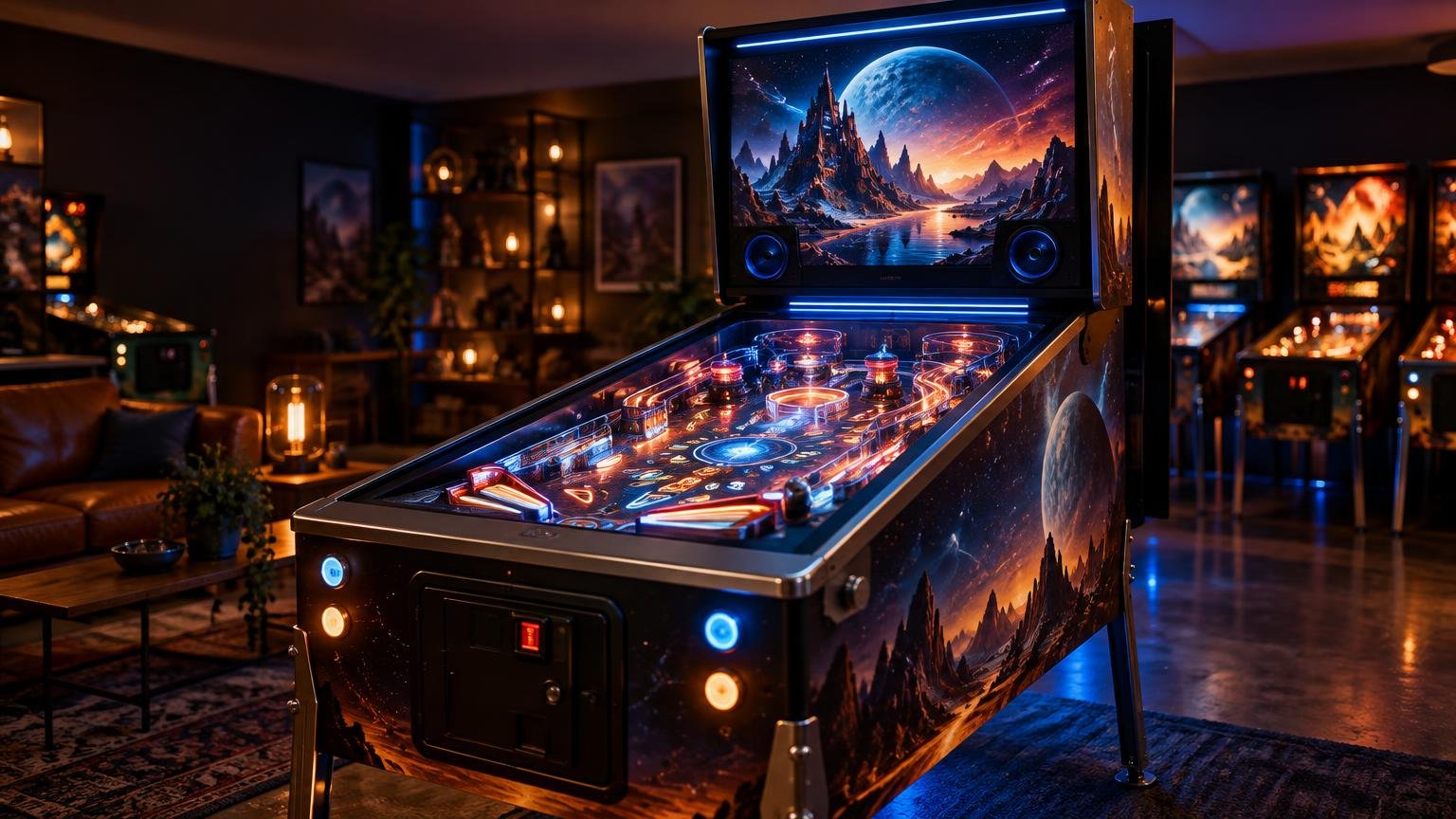
What Is DOF in Virtual Pinball?
TLDR: DOF stands for DirectOutput Framework. It is software that lets a virtual pinball cabinet activate real-world feedback devices—such as lights, solenoids, beacons, shaker motors, and gear motors—in response to events happening in a game. You do not need DOF for ordinary desktop virtual pinball, but it becomes important when you want a cabinet to feel and behave more like a physical machine.
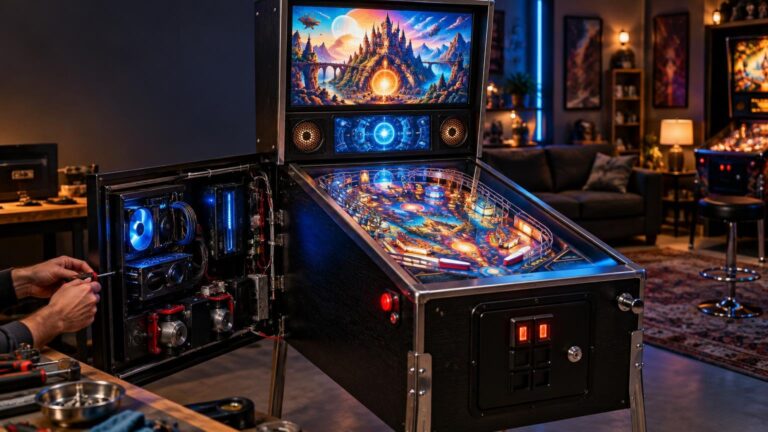
If you are asking what is dof in virtual pinball, the practical answer is that it acts as a translator between the game and the cabinet hardware. A table produces an event, DOF determines what output should accompany it, an output controller receives the command, and the connected device responds. That response might be a knock, flash, vibration, or motor effect rather than something shown on the monitor.
What DOF actually does during a game
A virtual table can reproduce artwork, rules, sounds, scoring, and ball movement entirely in software. A cabinet equipped with physical feedback has another job: it must turn selected software events into electrical commands for real devices. DirectOutput Framework provides that control layer. The project describes DOF as a framework for controlling external feedback devices in virtual pinball cabinets.
A simplified signal chain looks like this:
- The running table or pinball software generates an event, such as a bumper hit or a major game moment.
- DOF uses the cabinet’s configuration to determine which output should respond.
- An output controller receives the relevant command.
- The connected light, contactor, solenoid, motor, or other feedback device activates.
For example, a configured flipper event could fire a contactor to produce a physical clack. A bumper event could activate a solenoid or a light. A major game event could trigger a shaker motor or cabinet lighting. These are examples of possible mappings, not universal behavior: the result depends on the table’s support, the DOF configuration, the controller, and the hardware installed in that particular cabinet.
This is why two cabinets running the same virtual table can feel different. One might have only basic button controls and speakers. Another might add contactors, addressable lighting, a shaker, and other outputs. DOF does not create those physical effects by itself; it coordinates compatible hardware that is already present and correctly configured.
DOF is not the controller or the feedback hardware
Three parts are easy to blur together when shopping for a cabinet or reading a build guide: DOF, the output controller, and the physical feedback devices. They work together, but they are not interchangeable.
| Part | Its job | Examples |
|---|---|---|
| DOF | Maps supported game events to cabinet output commands | DirectOutput Framework software and configuration |
| Output controller | Receives commands and switches or controls connected outputs | A compatible cabinet I/O board |
| Feedback device | Creates the effect the player sees, hears, or feels | Light, solenoid, contactor, shaker motor, beacon, or gear motor |
DirectOutput’s documentation calls the connected feedback devices “toys,” a term you may encounter in configuration files and cabinet discussions. In ordinary buying language, “feedback devices” or “cabinet devices” is clearer. The important distinction is that DOF issues or coordinates commands; the controller and attached hardware produce the actual effect.
Pinscape is one example of a cabinet-control system. Its project documentation describes support for cabinet inputs, nudging, a mechanical plunger, and feedback-device control. That illustrates why a controller can perform more than one cabinet function while still remaining separate from DOF itself.
Do you need DOF to play virtual pinball?
No. DOF is optional if your goal is to run virtual tables on a desktop computer, television, handheld system, or simple cabinet without external mechanical and lighting feedback. The displays, controls, audio, and pinball software can provide the core game experience without DOF-driven outputs.
The official Visual Pinball project lists DOF integration among the plugin system’s use cases for physical feedback hardware. That positioning is useful: DOF is an integration for cabinet feedback, not the Visual Pinball application itself and not a requirement for displaying or playing every table.
DOF is worth prioritizing when the cabinet is intended to respond physically. If you want a flipper press to have a cabinet knock, a bumper hit to produce a localized impact, or a game event to activate lighting or a shaker, DOF compatibility becomes part of the buying or building decision.
What DOF does not change
DOF does not improve a table’s graphics, rewrite its rules, or change its ball physics. Those functions belong to the virtual pinball software, table, scripts, and supporting game components. DOF responds to available events and routes appropriate commands to external outputs.
It also should not be confused with “depth of field,” a graphics term sometimes abbreviated as DOF in video games and photography. In virtual pinball cabinet discussions, especially when people mention contactors, solenoids, lights, or shaker motors, DOF almost always means DirectOutput Framework.
Nor does installing the framework automatically give a cabinet physical feedback. You still need compatible control hardware, correctly connected devices, appropriate power and protection, and a working configuration. High-current cabinet wiring is not a casual software upgrade; if you are not comfortable selecting power supplies, fuses, switching hardware, and wire sizes, use a documented cabinet solution or get qualified help.
Does every virtual pinball table support DOF?
Do not assume universal support. Results can vary with the table, software version, integration path, event definitions, configuration, output controller, and installed hardware. A table may have extensive feedback mappings, limited mappings, or none that work with your particular setup.
Compatibility also has two sides. A table can expose useful events, but your cabinet must have outputs assigned to them. Conversely, a cabinet can contain an impressive collection of feedback devices, but those devices will remain inactive when the running software and configuration do not provide the necessary commands.
Before buying a prebuilt cabinet, ask the seller to demonstrate physical feedback on the actual system rather than relying on a vague specification such as “DOF ready.” Confirm which devices are installed, which controller operates them, which software path is configured, and whether the demonstrated tables activate those outputs.
Is DOF worth prioritizing in a cabinet?
Prioritize it when tactile and mechanical response is one of the reasons you want a cabinet. Screens and speakers can create a convincing presentation, but cabinet feedback adds physical events that audio alone cannot fully reproduce. For players trying to narrow the experiential gap between virtual and physical pinball, that can be a meaningful upgrade.
It should not automatically outrank the fundamentals. Reliable controls, sensible display placement, low input latency, stable software, comfortable cabinet dimensions, and serviceable wiring affect every game. A cabinet packed with feedback devices is poor value if its basic controls or software setup are frustrating.
For a first build, I would choose a small number of effects that materially improve play rather than adding every supported device at once. Flipper and bumper feedback may provide more immediate value than elaborate decorative outputs. A modular controller and clearly labeled wiring also make later expansion easier.
A practical DOF checklist
Use this checklist when evaluating a build plan or a cabinet advertised with physical feedback:
- Decide whether you actually want mechanical and lighting feedback. A desktop or basic cabinet does not need DOF.
- List the effects you care about, such as contactors, solenoids, a shaker motor, beacons, or cabinet lighting.
- Confirm that DOF is installed and configured, rather than assuming the presence of feedback hardware proves it works.
- Identify the output controller and verify that it supports the planned devices and number of outputs.
- Ask which tables or software integrations have been tested with the installed configuration.
- Check that the cabinet uses appropriate power supplies, switching hardware, fusing, and maintainable wiring.
- Budget for noise. Contactors, solenoids, and shaker effects can be part of the appeal, but they may be unwelcome in a shared room or late at night.
- Prefer a system that allows individual effects to be adjusted or disabled when practical.
The useful takeaway
DOF is the software bridge between virtual pinball events and a cabinet’s physical feedback system. It matters when you want real lights, impacts, vibration, or motor effects to react to gameplay; it is not required for straightforward virtual pinball on a monitor or in a basic cabinet.
When choosing your next step, start with the experience you want rather than the acronym. If you only want to play virtual tables, focus on the software, controls, displays, and audio. If you want the cabinet to answer the game with real-world movement and feedback, look for documented DOF compatibility, a suitable output controller, and the specific feedback devices you will actually use.
References
- GitHub – DirectOutput/DirectOutput: DirectOutput framework for virtual pinball cabinets. · GitHub
- DirectOutput/Documentation/25_CabinetConfig.md at master · DirectOutput/DirectOutput · GitHub
- GitHub – mjrgh/Pinscape_Controller: Pinscape Controller for KL25Z · GitHub
- GitHub – vpinball/vpinball: Visual Pinball · GitHub