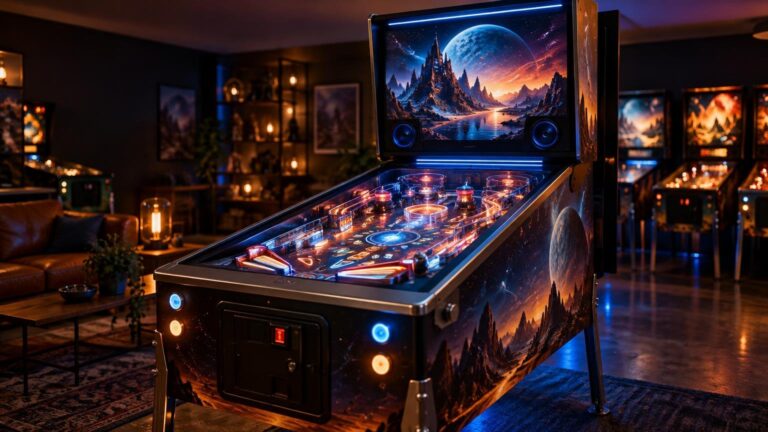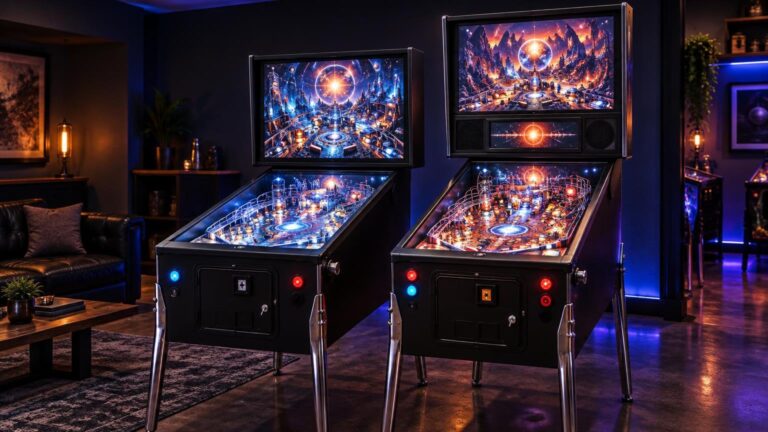
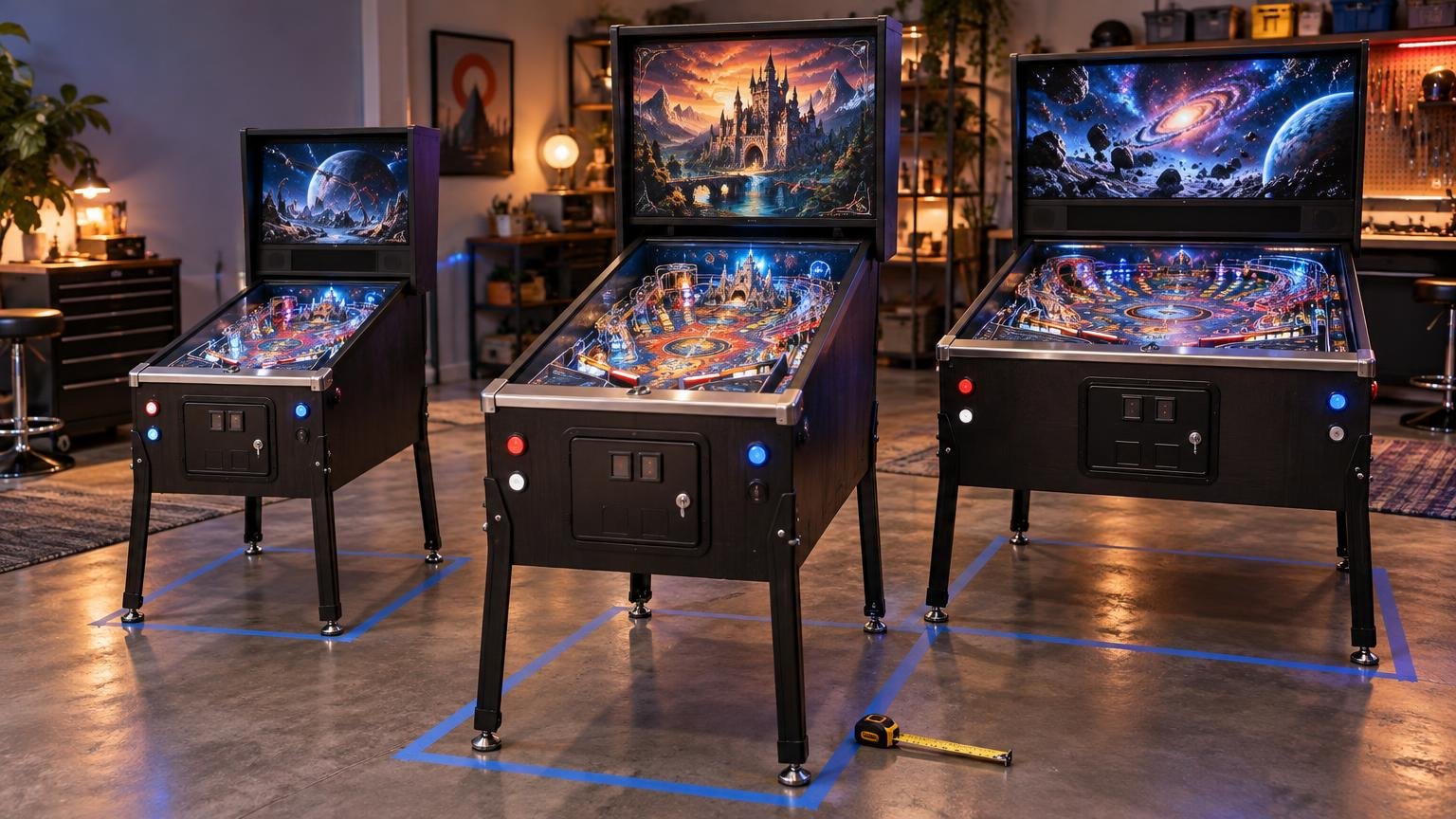
What Size Virtual Pinball Cabinet Should You Build?
For most first-time builders seeking a full-size feel, I would start by investigating a 42- or 43-inch-class playfield display in a widebody cabinet. That is a practical default, not a universal standard. A 32-inch-class cabinet is often the better choice for a smaller room, while a standard-body build can work only when the exact display and mounting arrangement have been measured and confirmed.
The most important answer to what size virtual pinball cabinet should you build is therefore slightly backward: choose the exact playfield display first, then size the cabinet around its external dimensions, mounting hardware, cables, cooling and removal path. The diagonal measurement printed on a television box does not tell you whether that television will fit between the cabinet walls.
Choose among three practical cabinet sizes
Virtual pinball cabinets do not follow one mandatory dimensional standard. Cabinet kits, custom plans and finished commercial machines can all differ. It is more useful to think in terms of three broad build paths: compact, standard-body and widebody.
| Build path | Best suited to | Main advantage | Main limitation |
|---|---|---|---|
| Compact or 32-inch-class | Bedrooms, offices and restricted floor space | Easier placement and a smaller physical footprint | Less playfield area and less room for internal equipment |
| Standard-body | Builders matching a confirmed display to a narrower cabinet | Proportions closer to many conventional pinball cabinets | Display fit can be extremely tight or impossible depending on the model |
| Widebody with a 42–43-inch-class display | Builders prioritizing a large playfield and installation margin | More lateral room for the display, brackets and protection | Requires more floor space and still needs an exact fit check |
Compact and 32-inch-class cabinets
A compact cabinet is not merely a compromised full-size build. It can be the sensible choice when the machine must share an office, pass through a difficult route or leave room for other games. AtGames, for example, lists its Legends Pinball 4KP Standard Edition with a 32-inch 4K playfield and overall dimensions of 43 inches long, 23 inches wide and 66 inches high. That is one finished-machine example rather than a universal template, but it shows that a 32-inch playfield can still sit in a substantial upright cabinet.
Choose this route if fitting the machine into daily life matters more than maximizing the screen. A smaller cabinet may also simplify handling during construction, although the final weight and mobility depend on the materials, computer, displays, speakers and feedback hardware you install.
Standard-body cabinets
A standard-body build makes sense when you want traditional-looking proportions and already know which display will fit. It is not the safe option when the plan is to buy a vaguely described 42-inch television later.
VirtuaPin states that its standard-body virtual pinball cabinet has a playfield area no more than 20.5 inches wide and 45 inches long. Its widebody version has a stated playfield area of 23.25 by 45 inches. These are dimensions for that supplier’s cabinet offerings, not industry-wide definitions that every plan or kit follows.
That distinction matters because a nominally suitable screen can exceed the available width once its bezel and housing are included. A standard-body cabinet can produce a tidy installation, but it leaves less room for assumptions, padding, brackets or sideways cable plugs.
Widebody cabinets
A widebody is the most forgiving starting point for a large-screen build. The extra width can provide more flexibility around a 42- or 43-inch-class display, but it does not guarantee compatibility. The television can still be too wide, too thick in the wrong place or difficult to lower through the cabinet opening.
I would favor this path for a first full-size-feeling project when room dimensions permit it. The goal is not simply to install the biggest screen possible. It is to leave enough space to mount, protect, ventilate and eventually remove an expensive display without treating the cabinet like a wooden puzzle box.
Why screen diagonal does not establish cabinet fit
Advertised screen size measures the panel diagonally. Cabinet fit is governed mainly by the display’s outside width and height without its stand, plus its depth, rear profile and installation orientation. Two televisions sold under the same diagonal class can have different bezels, chassis dimensions, connector locations and mounting patterns.
Consider one concrete fit check. LG lists the OLED42C5PUA at 932 by 540 by 41.1 millimetres without its stand. With the screen rotated into portrait orientation for use as a playfield, its 540 mm dimension—about 21.26 inches—would span the cabinet’s interior width.
VirtuaPin’s stated standard-body playfield width is 20.5 inches, or 520.7 mm. In this comparison, the LG display’s 540 mm short side is approximately 19.3 mm, or 0.76 inch, wider than that playfield area before allowing anything for mounting or protection. The example does not prove that every 42-inch display needs a widebody cabinet. It proves that “42 inch” is not a fit specification.
Do not assume another 42- or 43-inch model shares those measurements. Look up the complete model number and obtain a manufacturer drawing or specification sheet. If a seller lists only the diagonal, you do not yet have enough information to commit to cabinet cuts.
Measure the complete installation, not just the television
The display’s bare dimensions are only the start. Your cabinet must accommodate everything that holds the screen, protects it and allows it to operate. Before ordering a kit or cutting plywood, verify the following:
- Exact display model number and outside dimensions without the stand
- Maximum thickness, including any thicker electronics housing on the rear
- VESA mounting-hole position and the dimensions of the intended brackets
- Direction and location of HDMI, power, USB and other connectors
- Clearance required for plugs, cable bends and strain relief
- Ventilation openings and the display manufacturer’s installation requirements
- Usable interior width after side walls, brackets, padding and other hardware are considered
- Opening through which the display will enter or leave the assembled cabinet
- Compatibility among the cabinet, glass, side rails and lockdown bar
- Room dimensions, playing clearance, doorway width and the complete route to the machine’s location
Connector orientation is easy to underestimate. A side-facing HDMI socket can require space beyond the published television width once a cable is attached. A rear-facing connection may conflict with a support rail. Right-angle adapters sometimes help, but the cabinet should not force sharply bent or compressed cables.
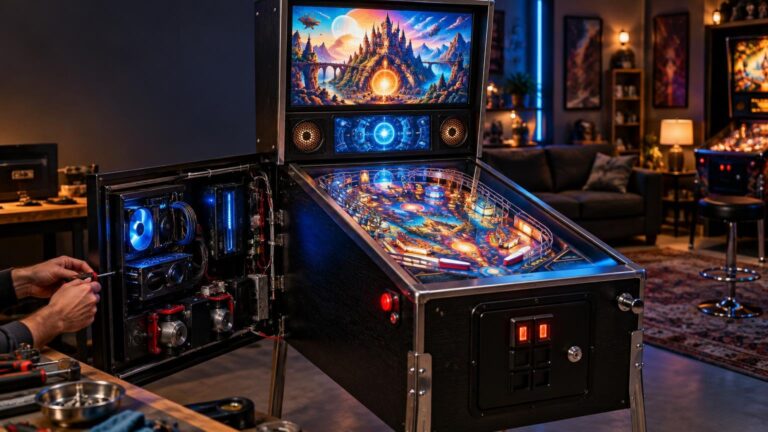
Plan for service access as deliberately as initial installation. Screens fail, cables loosen and computers get upgraded. Decide whether the playfield will lift, slide or be removed through the top, and check that the chosen mechanism clears the cabinet walls and backbox. A display that fits only before the cabinet is fully assembled is not a successful fit.
Keep playfield size separate from screen layout
Cabinet body size and software display layout are related, but they are not the same decision. Zen Studios says Pinball FX Cabinet Mode can rotate the primary display and lets users position and size separate backglass and DMD windows. That flexibility allows several hardware arrangements without changing the fundamental playfield fit question.
A basic build can begin with one playfield display. A second screen in the backbox provides artwork or game information, while a separate DMD or topper can make the presentation more machine-like. These additions are worthwhile only if they fit the budget and cabinet without compromising the playfield, speakers or service access.
Visual Pinball users should also distinguish the backglass software from the physical screen arrangement. Our explanation of B2S backglasses in Visual Pinball covers how directB2S files, B2S Server and DMD elements fit into a cabinet setup.
Likewise, leave room for future hardware only when you genuinely intend to add it. Contactors, lights, shaker motors and other output devices need mounting positions, wiring and power planning. The guide to DOF in virtual pinball explains the software layer used to coordinate many of those effects. A cabinet packed tightly around the display can make later feedback upgrades unnecessarily difficult.
Should you remove the display casing?
Do not base the initial cabinet plan on removing a television’s casing unless you have reliable model-specific information and understand the consequences. Decasing may change structural support, cooling, electrical protection, warranty coverage and serviceability. It can also turn a display that is easy to replace as a complete unit into a fragile collection of parts.
The safer planning assumption is that the display remains intact. If it does not fit that way, reconsider the screen model or cabinet width before treating disassembly as the default solution.
Make the final size decision before buying materials
Choose a compact 32-inch-class cabinet when room size and easier placement are the priorities. Choose a standard-body cabinet only when the exact playfield display, bracket and cable clearances have already passed a measured fit check. Choose a widebody with a 42- or 43-inch-class display when you want a larger, more full-size-feeling playfield and have enough space for the wider machine.
Before spending money, write down five numbers: the display’s outside dimensions without its stand, the cabinet’s usable interior width, the bracket thickness, the required connector clearance and the narrowest point on the installation route. Then sketch how the screen enters and exits the finished cabinet. If those details work on paper with sensible margin, you have a cabinet size. If they do not, change the display or plan now—before the sawdust starts.
Frequently Asked Questions
What virtual pinball cabinet size is best for most first-time builders?
For a full-size feel, a widebody cabinet with a confirmed 42- or 43-inch-class display is a practical starting point. Choose a compact 32-inch-class build instead when room and placement matter more than maximum playfield area.
Should I build a standard-body or widebody virtual pinball cabinet?
Choose standard-body only after confirming the exact display, bracket and cable clearances. A widebody provides more lateral room for a large display and mounting hardware, but it still requires a complete fit check.
Will a 42- or 43-inch television fit in a standard-body cabinet?
Not necessarily. VirtuaPin states a standard-body playfield width of no more than 20.5 inches, while the example LG OLED42C5PUA measures 540 mm, or about 21.26 inches, across the relevant side in portrait orientation.
Why can displays with the same diagonal require different cabinet widths?
The advertised diagonal does not account for differences in bezels, housings, rear profiles, connector positions or mounting patterns. Fit depends on the exact model’s external dimensions and installation requirements.
What should I measure before ordering a cabinet or cutting plywood?
Verify the display dimensions without its stand, maximum thickness, bracket position, connector clearance, cable bends, ventilation, usable cabinet width and the route for installation and removal. Also confirm room, doorway, glass, rail and lockdown-bar compatibility.
Is a 32-inch virtual pinball cabinet large enough for a home build?
It can be a sensible choice for a bedroom, office or restricted route. AtGames lists one finished example with a 32-inch playfield in a cabinet measuring 43 inches long, 23 inches wide and 66 inches high, although those dimensions are not a universal template.
Do I need separate backglass and DMD displays?
No. A basic build can begin with one playfield display. Pinball FX Cabinet Mode can rotate the primary display and separately position and size backglass and DMD windows if you add more screens.
How do I ensure the playfield display remains serviceable?
Plan whether it will lift, slide or leave through the cabinet top, then verify that the removal path clears the walls and backbox. Do not rely on a display fitting only before final cabinet assembly.