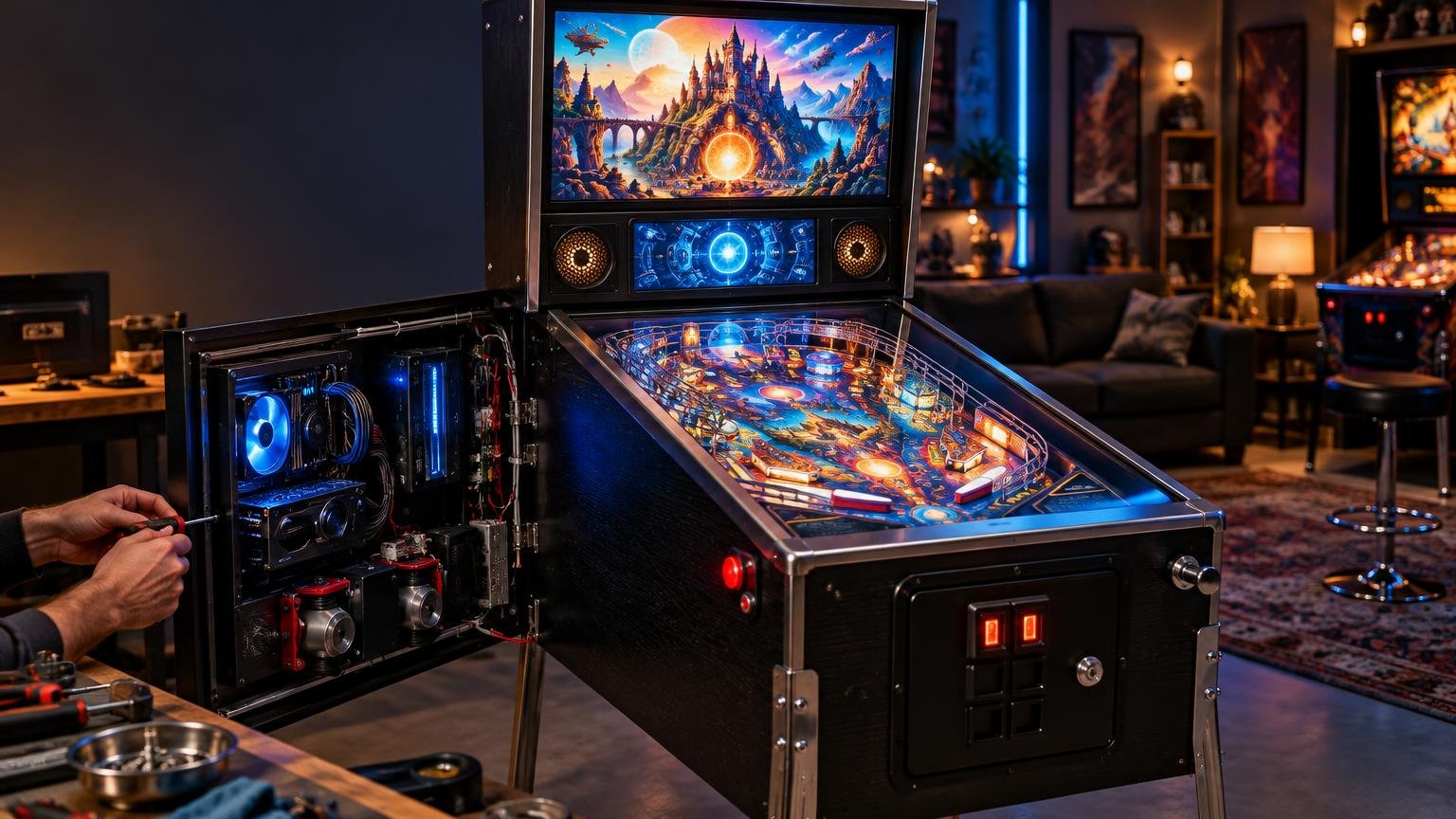
How to Build a Virtual Pinball Cabinet: The Main Components Explained
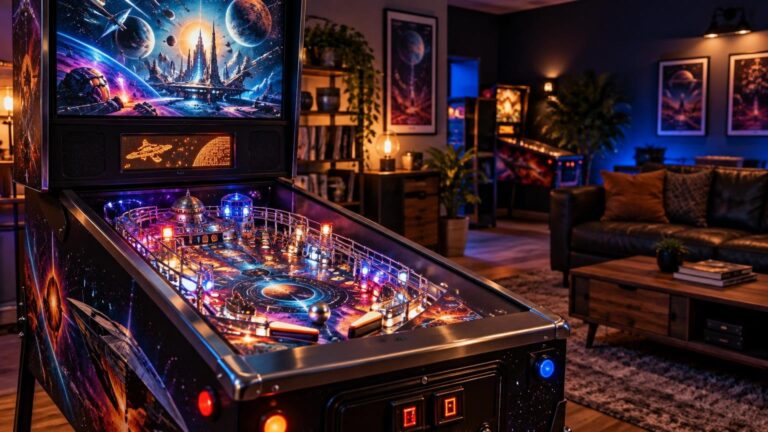
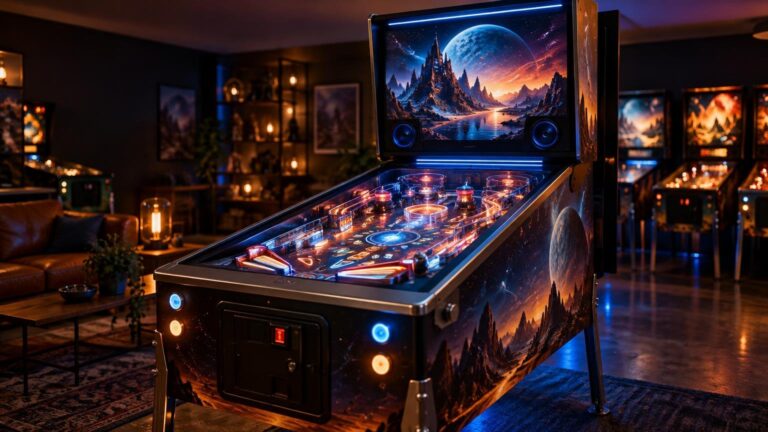
A virtual pinball cabinet is not simply a monitor fitted into a wooden box. It is an integrated system: the cabinet holds everything in the right playing position, the PC renders the table, the displays divide the visual information, the controls translate physical actions into inputs, and the software keeps those parts coordinated. Feedback devices can then add the flashes, knocks and vibration that make the result feel less like a computer desk turned sideways.
The best beginner strategy is to design those connections before buying exact parts. A fast graphics card cannot rescue an awkward screen layout, and expensive feedback hardware is not much fun if the cabinet must be dismantled whenever a cable works loose.
Start with the cabinet architecture
Choose the cabinet around its components rather than treating the enclosure as an independent woodworking project. The playfield display determines much of the cabinet’s width and internal arrangement, while the backbox must accommodate its displays, speakers and wiring. The PC, input controller, amplifiers and feedback-control hardware all need mounting positions and practical service access.
Plan how the playfield display will be installed and removed. Do the same for the PC, backglass display and controller boards. The Pinscape cabinet-building documentation treats cabinet construction, software, inputs, feedback and I/O connections as related parts of one build rather than separate projects. It also emphasizes access to the hardware for installation and troubleshooting.
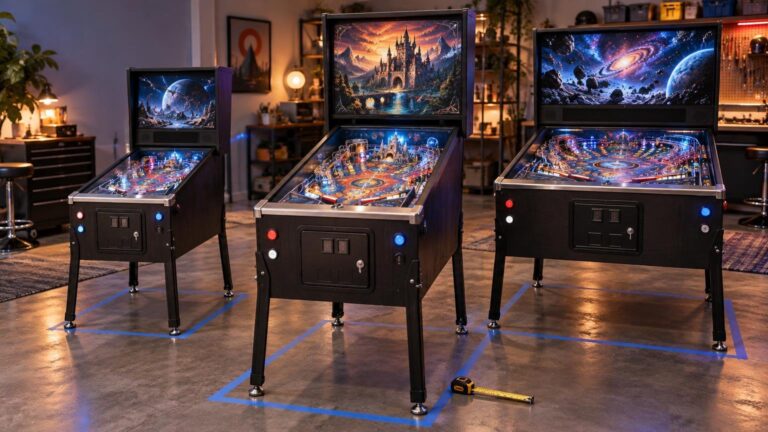
There is no universal cabinet dimension that suits every build. Start with the exact display chassis—not just its advertised diagonal—then allow room for mounting hardware, connectors, ventilation and removal. Our guide to choosing a virtual pinball cabinet size examines that decision in more detail.
Make the playfield display the visual priority
The main playfield display has the hardest job. It must show a fast-moving ball clearly, respond promptly and maintain a convincing viewing angle from the player’s position. Resolution affects image detail, while refresh behavior and total system latency affect motion and responsiveness. A higher specification is useful only if the GPU can drive it consistently at the intended settings.
Visual Pinball documentation separates input, simulation or emulation, and visual latency rather than presenting responsiveness as a single monitor specification. Its BGFX build supports variable refresh rate and uses a multithreaded engine intended to provide low, stable input latency. This is why the display, PC and software settings should be selected together.
Avoid choosing a screen from diagonal size alone. Check its complete outer dimensions, input locations, mounting options and whether it can be serviced after the cabinet is assembled. There is no source-backed universal refresh-rate threshold for every virtual cabinet, so treat refresh rate as one part of the complete rendering chain rather than a magic number.
Decide between two and three display zones
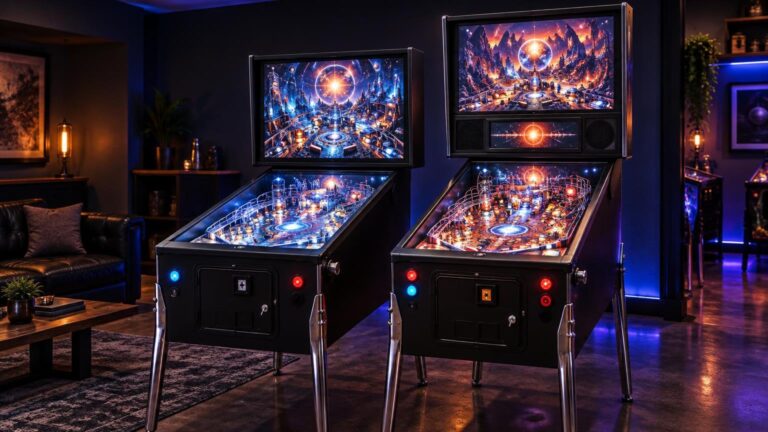
A basic cabinet can use a playfield display plus a backglass monitor. A three-screen layout adds a dedicated display for the dot-matrix display, LCD or score area. The extra screen can make the backbox look more like a modern physical machine, but it adds another video output, cable, mount and software window to configure.
VPX can open additional windows for DMD or score content, while the Visual Pinball organization maintains related DMD and B2S Backglass Server projects. A physical real-DMD device is also distinct from a conventional monitor showing simulated DMD content. Before committing to a layout, compare the practical tradeoffs in two-screen and three-screen virtual pinball cabinets.
Match the PC to the software and display load
The CPU handles game logic, physics and background processes. The GPU renders the playfield and additional display windows. Memory and storage support the operating system, platforms, table files and media. The correct specification depends on the software, resolution, graphics settings and number of displays you intend to run.
For one current reference point, the official Pinball FX Steam listing specifies 64-bit Windows 10, 16 GB of RAM, GTX 960 or Radeon R9 380 minimum graphics, and 42 GB of storage. Its recommended tier lists an RTX 2060 or Radeon RX 5600 XT alongside an i7-7700K or Ryzen 5 1600-class processor. Those are Pinball FX requirements, not universal cabinet specifications, and they do not establish compatibility with VPX backglass, DMD or feedback tools.
Select the software platforms first, then size the PC for the most demanding platform and display configuration you actually expect to use. Also count physical video outputs, USB connections and expansion needs. A technically powerful PC with the wrong ports can create an avoidable collection of adapters and hubs.
Controls turn the enclosure into a pinball cabinet
At minimum, plan for flipper buttons and the navigation controls required by your chosen software. Many builds also include launch, start, exit, coin and magna-save buttons. An input controller translates these switches into signals the PC and game software can understand.
A physical plunger is optional. Pinscape documents optical, slide-potentiometer, quadrature and infrared sensing methods, while VPX can use plunger position and speed data when compatible hardware supplies it. Digital launch buttons are simpler; analog plungers add mechanical feel but also require calibration and careful alignment.
Nudging can be handled through a compatible motion controller. Pinscape’s KL25Z approach uses an onboard accelerometer, and VPX supports velocity-based nudge input from suitable devices. Mount the sensor rigidly to the cabinet so that it measures cabinet movement rather than a controller board wobbling on loose wiring.
Separate audio from physical feedback
Conventional audio covers music, voices and effects through speakers and an amplifier. Tactile or mechanical feedback adds sensations associated with physical mechanisms. Depending on the design, that can include contactors or solenoids, lights, a shaker motor and gear effects.
The DirectOutput Framework documentation describes control of lights, beacons, solenoids, shaker motors and gear motors through supported output hardware. DOF is the software layer connecting game events to those outputs; it is not the high-current power hardware itself. Our introduction to DOF in virtual pinball explains that relationship further.
Feedback is where a build can become electrically and mechanically complicated. Keep low-voltage control signals distinct from powered loads, use component-specific protection and qualified guidance, and do not improvise mains wiring. A beginner cabinet can be enjoyable with good controls and audio before any mechanical feedback is added.
Plan the software as a stack
The operating system sits at the base. Above it are table platforms such as VPX or Pinball FX, followed by platform-specific backglass, DMD and feedback tools. A front end can provide a cabinet-friendly library interface and launch installed systems, but it does not replace those systems or make their tables interchangeable.
VPX is both a table editor and player, with configuration support for displays, accelerometer input and plunger input. Its documentation identifies BGFX as the actively developed, feature-complete version and the older DirectX 9 version as limited and deprecated. PinballY can launch installed Visual Pinball and Future Pinball systems and manage extra cabinet windows, including DMD and instruction-card areas.
Design power, cooling and service access together
A cabinet can contain a PC, several displays, USB devices, amplifiers and separately powered feedback equipment. Before assembly, create a simple connection map showing which component needs video, USB, audio, data and power. Label both ends of removable cables and leave enough slack for service without allowing wiring to reach fans or moving parts.
Ventilation should provide a deliberate path for heat to leave rather than merely adding fans wherever space remains. Keep vents clear, avoid trapping the PC’s exhaust, and make filters or fan assemblies accessible for cleaning. Because loads and component requirements differ, use the instructions for the selected hardware when sizing power supplies, protection and wiring.
Build the system on paper first
Choose the cabinet format and screen layout, select the software platforms, estimate the required PC performance, and then map controls, audio and optional feedback. Confirm every video output, USB connection, controller channel, mounting point and service path before cutting panels or ordering specialized hardware.
The practical takeaway is simple: treat every virtual pinball cabinet component as part of one system. Compatibility, responsive play and easy service access will improve the finished cabinet more than buying the most expensive individual part and hoping everything else fits around it.
Frequently Asked Questions
What components does a virtual pinball cabinet need?
A basic build needs a cabinet, playfield display, PC, input controls, audio hardware and compatible software. Backglass, score displays, analog controls and mechanical feedback can be added according to the layout you want.
Is a two-screen or three-screen cabinet better for beginners?
A two-screen layout is simpler, using a playfield and backglass display. A third screen gives the DMD or score area its own display, but adds another video output, mount, cable and software window to configure. VPX supports additional output windows for this purpose.
How should I choose a PC for virtual pinball?
Choose your software and display configuration first, then size the PC for the most demanding combination you expect to run. Pinball FX publishes its own requirements, but those do not guarantee compatibility or performance with VPX, backglass, DMD or feedback tools.
Does a virtual pinball display need a specific refresh rate?
There is no source-backed refresh-rate threshold that suits every cabinet. Consider refresh behavior alongside GPU performance, software settings and the separate input, simulation and visual-latency stages.
Do I need a physical plunger?
No. A digital launch button is the simpler option. An analog plunger adds mechanical feel, but it needs compatible sensing hardware, calibration and careful alignment; VPX can use position and speed data when the controller provides it.
How does cabinet nudging work?
A compatible motion controller measures cabinet movement and sends nudge input to the software. Pinscape’s KL25Z approach uses an onboard accelerometer, while VPX supports velocity-based input from suitable devices.
What does DirectOutput Framework do?
DOF connects game events to supported output controllers for effects such as lights, solenoids, shaker motors and gear motors. It controls those effects through compatible hardware; it is not the high-current power hardware itself.
What should I plan before ordering cabinet parts?
Map every display, video output, USB connection, control channel, audio connection, power requirement, mounting point and service path. Leave room for ventilation and component removal, and use qualified, component-specific guidance rather than improvising mains wiring.
References
- GitHub – mjrgh/Pinscape_Controller: Pinscape Controller for KL25Z · GitHub
- vpinball/docs/Latency.md at master · vpinball/vpinball · GitHub
- vpinball/docs/Build Differences.md at master · vpinball/vpinball · GitHub
- Visual Pinball · GitHub
- PinballY/DefaultSettings.txt at master · mjrgh/PinballY · GitHub
- Pinball FX on Steam
- vpinball/docs/Plunger Velocity Input User Guide.md at master · vpinball/vpinball · GitHub
- vpinball/docs/Accelerometer Velocity Input User Guide.md at master · vpinball/vpinball · GitHub
- GitHub – DirectOutput/DirectOutput: DirectOutput framework for virtual pinball cabinets. · GitHub
- vpinball/docs/README.md at master · vpinball/vpinball · GitHub
- GitHub – mjrgh/PinballY: A table browser and launcher ("front end") for virtual pinball cabinets. · GitHub