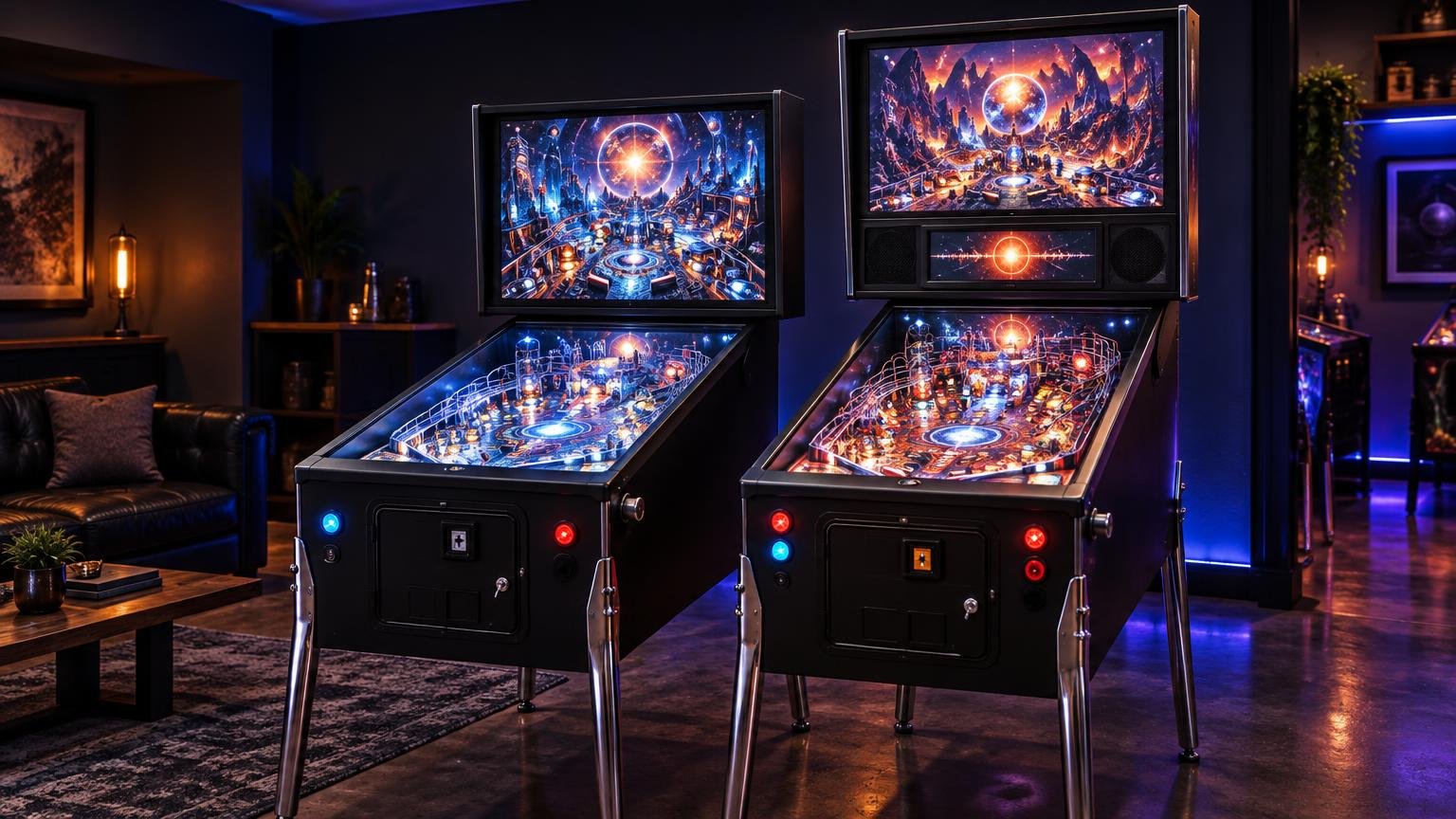
Two-Screen vs Three-Screen Virtual Pinball Cabinets
For most first-time builders, a two-screen virtual pinball cabinet is the practical choice: one playfield display and one backbox display shared by the backglass and scoring content. Choose three screens when you specifically want a dedicated DMD or score panel, an unobstructed backglass and a backbox that more closely resembles the layout of many physical machines.
The third screen improves presentation more than gameplay. It does not make the virtual table physics better, and it does not automatically make every table easier to configure. The decision comes down to how much you value the separated backbox layout against the extra mounting, wiring and software work.
What counts as a two-screen cabinet?
A conventional two-screen cabinet has a horizontal playfield display in the main cabinet and an upright display in the backbox. That second display shows the backglass while also providing an area for a DMD, score display or other table information. The VPForums cabinet hardware FAQ describes this familiar arrangement and notes that screen orientation and speaker-panel design affect how much backbox area remains usable.
Combining those elements does not mean the DMD must cover the most important part of the artwork. Cabinet software can place content using defined dimensions and coordinates. Zen Studios documents coordinate-based placement for backglass and DMD content in cabinet mode, including moving the DMD onto a second display when needed. Zen Studios’ cabinet-mode documentation
This flexibility makes two screens viable for a compact cabinet. You can reserve a strip at the bottom of the upright display for scores, position a virtual DMD over a less important part of the backglass or use table-specific media designed for a combined layout. The exact result depends on the software, backglass asset and available screen area.
If Visual Pinball is your main platform, it also helps to understand how B2S backglasses and cabinet screens work. The B2S ScreenRes template defines separate position and size fields for the playfield, backglass and DMD. That allows DMD content to be assigned independently even when it shares a physical monitor with the backglass.
What the third screen changes
A three-screen cabinet gives the playfield, backglass and DMD or score area their own physical displays. The practical gain is straightforward: the backglass can use its full panel while the smaller third display handles DMD, score or FullDMD-style content. B2S supports separate coordinates for these elements, while commercial examples such as the AtGames Legends Pinball 4KP use distinct playfield, backglass and DMD displays.
That separation can make the backbox look more intentional. You are no longer trying to fit backglass art and scoring into the same rectangle, and a speaker panel can be designed around the dedicated score display. This matters most when visual resemblance to a full-size physical machine is a major goal of the build.
The tradeoff is that the third panel needs a suitable opening, brackets or supports, video and power connections, and room within the backbox. Software also needs to know where that display sits in the desktop arrangement. Community troubleshooting shows that some three-screen users must adjust DMD placement for particular software or tables, although that is a setup issue rather than an inherent failure of the format.
The differences that matter in daily use
| Decision factor | Two screens | Three screens |
|---|---|---|
| Backbox presentation | Backglass and scoring share one display | Backglass and scoring have separate displays |
| Build complexity | Fewer panels, mounts and connections | Additional panel, mounting, power and video routing |
| Configuration | Combined placement must be planned carefully | Dedicated placement, but another display must be mapped |
| Cabinet size | Better suited to compact backboxes | Needs enough backbox and speaker-panel space |
| Best fit | Value-focused or compact builds | Display-focused builds seeking a separated backbox layout |
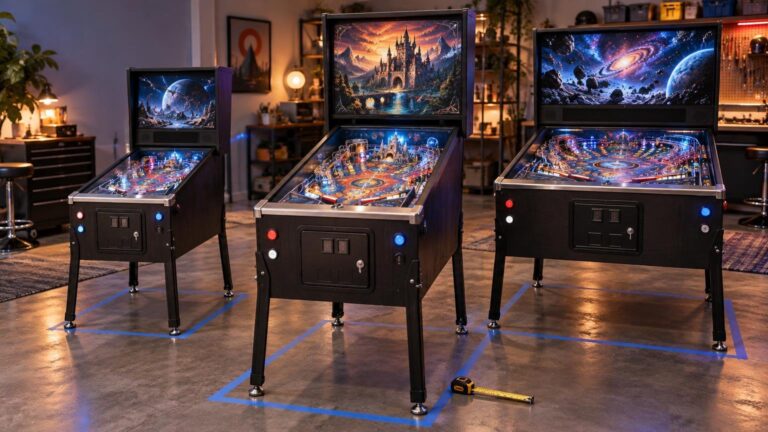
Display count is only one part of the design. A badly proportioned three-screen backbox can be less convincing than a clean two-screen arrangement. Before choosing, sketch the backbox around the actual panel dimensions, visible display areas, bezels and speaker openings. Do not design around advertised screen diagonals alone. Our guide to choosing a virtual pinball cabinet size explains why the exact display and required service clearance should drive the cabinet dimensions.
Software compatibility deserves the same attention. PinballX states that its front end supports one-, two- and three-screen configurations, but a front end displaying media across three panels does not guarantee that every emulator, table and backglass package will arrive perfectly positioned. Zen and B2S both provide placement controls, which is useful precisely because assets and cabinet layouts differ.
When two screens are the better buy
I would choose two screens for a first cabinet, a compact build or any project where the budget is better spent on the playfield display, controls and a solid cabinet. It delivers the essential virtual-pinball experience: a dedicated playfield with an upright backglass and scoring area. Current cabinet software supports this arrangement without requiring a third physical panel.
Two screens also make sense if you expect to run several platforms and want fewer display-placement variables to manage. You still need to configure the backglass and DMD carefully, but there is one less physical output and mounting system in the build. The compromise is visible: scoring content consumes part of the upright display or sits over the artwork.
When three screens are worth it
Choose three screens if the cabinet itself is part of the attraction. A dedicated DMD panel is worthwhile when you want the backglass artwork preserved, plan a traditional speaker-panel layout or regularly use tables with score content that benefits from its own wide display.
It is also easier to justify on a larger cabinet where the backbox has enough room for three well-proportioned viewing areas. The third screen should look integrated rather than squeezed in as an afterthought. If adding it forces awkward speakers, an oversized backbox or poor access for maintenance, the nominally premium layout has missed the point.
Make the choice before cutting the cabinet
Start by listing the virtual-pinball platforms you expect to use and checking how each handles backglass and DMD placement. Then collect the exact dimensions of the displays you can actually buy, including bezels and connector locations. Mock up the backbox at full scale and mark the visible areas, speakers, ventilation, cable paths and service access.
The simple verdict is two screens for practicality and three for presentation. If you are uncertain, build around two well-sized displays rather than forcing in a marginal third panel. If a separate DMD is central to the look you want—and your backbox, software and budget can support it—design for three screens from the beginning. Retrofitting a carefully integrated third display is usually less appealing than making the correct structural choice before the first panel is cut.
References
- Cabinet & Hardware FAQ – Virtual Pinball Cabinets – VPForums.org
- Pinball FX3 Cabinet Mode FAQ – Zen Studios
- b2s-backglass/ScreenResTemplate.txt at master · vpinball/b2s-backglass · GitHub
- PowerPoint Presentation
- How to get Virtual DMD to 3rd Screen – Visual Pinball – VPForums.org
- PinballX – Virtual Pinball Cabinet Front End for Windows